
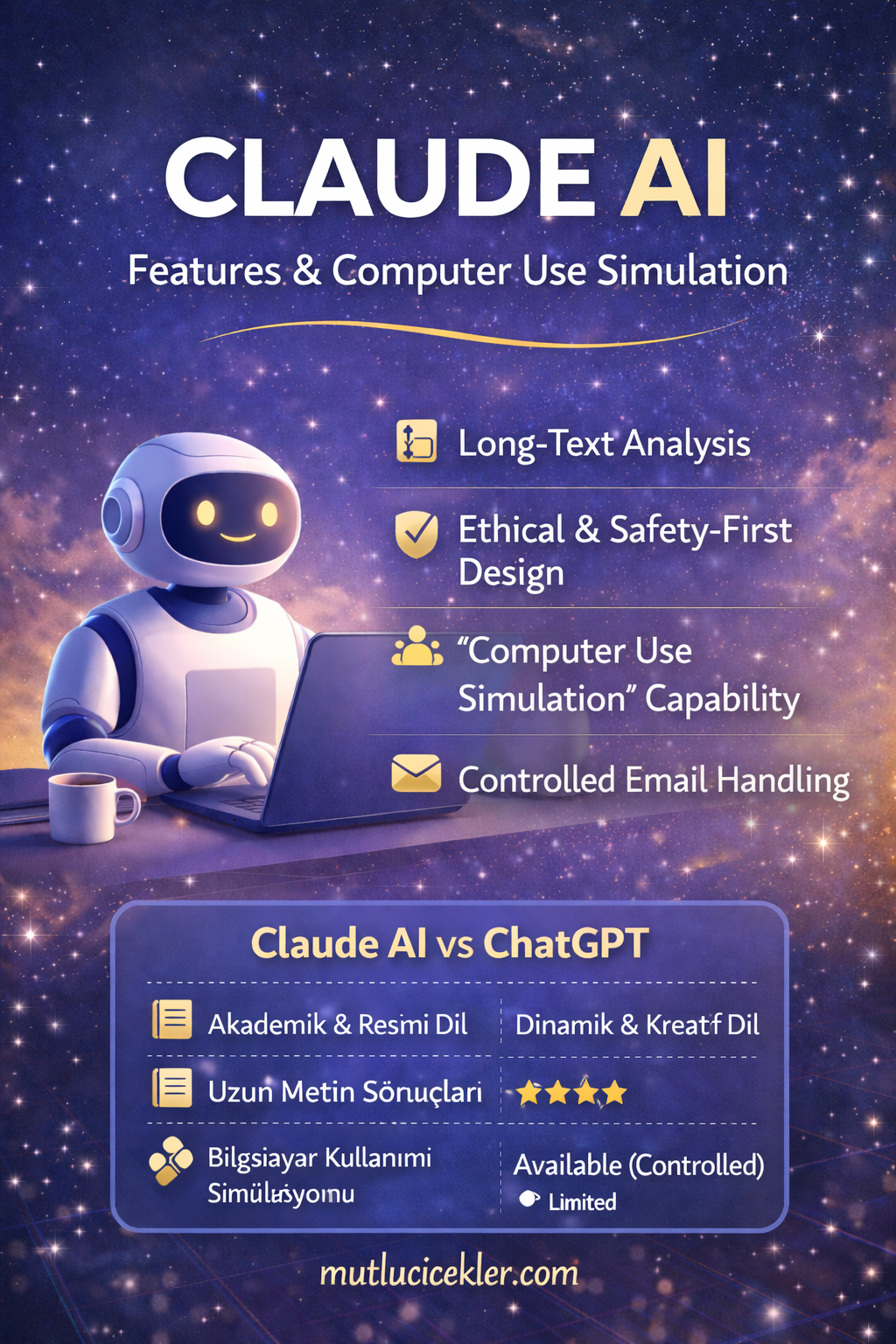
As artificial intelligence continues to evolve rapidly, Claude AI has emerged as one of the most talked-about AI assistants in recent years. With its strong focus on ethical AI, advanced long-text understanding, and computer use simulation, Claude AI stands out as a powerful tool for both individual users and professionals.
🌐 What Is Claude AI?
Claude AI is an advanced AI chatbot and language model developed by Anthropic.
Named after Claude Shannon, the pioneer of information theory, Claude AI is designed with a human-centered, safe, and controlled approach to artificial intelligence.
It is built to assist users with writing, analysis, summarization, reasoning, and guided task execution—while always keeping humans in control.
⚙️ What Can Claude AI Do?
Claude AI can be used in a wide range of scenarios, including:
- 📝 Writing blog posts, articles, and long-form content
- 📚 Summarizing and analyzing lengthy documents
- 💻 Explaining and assisting with code
- 📊 Creating reports and structured documents
- 💬 Answering complex questions clearly
- 🌍 Producing multilingual content
One of its strongest advantages is its ability to understand and process very long texts in a single context, without losing coherence.
⭐ Key Features of Claude AI
✅ Large context window
→ Can read and analyze very long documents at once.
✅ Calm and natural language tone
→ Ideal for academic, professional, and formal writing.
✅ Ethical and safety-first design
→ Avoids harmful, misleading, or risky outputs.
✅ Clear explanations
→ Provides reasoning, not just short answers.
🖥️ Can Claude AI Use a Computer?
This is one of the most frequently asked questions.
❗ Short answer:
Yes — but in a controlled and simulated way.
Claude AI does not directly access your personal computer.
It cannot:
❌ Control your device without permission
❌ Access your files autonomously
❌ Delete data on its own
❌ Log into your accounts secretly
🧠 What Is “Computer Use Simulation”?
Claude AI includes a feature known as Computer Use Simulation, which allows it to:
- 🖱️ Simulate mouse movements
- ⌨️ Simulate keyboard input
- 🖥️ Visually interpret on-screen interfaces
- 📂 Guide file-creation steps
- 📧 Demonstrate actions inside web-based email interfaces
⚠️ These actions occur only in:
- Virtual machines
- Test environments
- Developer-controlled systems
👉 User authorization is always required.
📧 Can Claude AI Send Emails?
Claude AI can:
✅ Write professional email content
✅ Generate subject lines
✅ Create structured email drafts
✅ Explain which steps to follow in a web mail interface
But it cannot:
❌ Send emails without user approval
❌ Access personal email accounts independently
Claude AI works as a guided assistant, not an autonomous operator.
📁 File Creation and Deletion Capabilities
Claude AI can:
✔️ Create text files, documents, PDFs, and code files
✔️ Structure folders and content logically
✔️ Help organize workflows
Claude AI cannot:
❌ Delete real files on your device
❌ Access your hard drive directly
🔐 All system-level actions remain under human control.
🔍 Claude AI vs ChatGPT
| Feature | Claude AI | ChatGPT |
|---|---|---|
| Long-document analysis | ⭐⭐⭐⭐⭐ | ⭐⭐⭐⭐ |
| Computer use simulation | Available (controlled) | Limited |
| Writing tone | Calm & professional | Dynamic & creative |
| Safety focus | Very strong | Strong |
🔐 Is Claude AI Safe?
Yes. Claude AI is trained with human feedback and built around AI safety principles.
Anthropic’s philosophy is clear:
“AI should assist humans — not replace decision-making.”
This makes Claude AI especially suitable for sensitive, professional, and knowledge-based work.
✨ Final Thoughts
Claude AI is a modern AI assistant that combines:
✔️ Advanced text generation
✔️ Long-context understanding
✔️ Computer use simulation
✔️ Ethical and safety-first design
For writers, researchers, analysts, and professionals, Claude AI offers a reliable and intelligent alternative in the AI ecosystem.
📌 For more technology, AI, and digital world content,
👉 don’t forget to follow us.
Bir Cevap Yazın